Runs on your screen.
Updated in two clicks.
Use the screen you already have, or our lumafy Screen. Over 100 professional templates are included, and after that you change prices, text and images yourself, on your computer or your phone.

We sent an email to . On your screen, open the lumafy App and enter its code in your account.
Only if we have questions, we reach you at .
Go to my accountYou don’t need a new screen.
lumafy runs on the TV in your shop window just as well as on the kiosk at your entrance. Already have screens? Plug in a stick. No screens yet? We send you the lumafy Screen, ready to go.
 From us
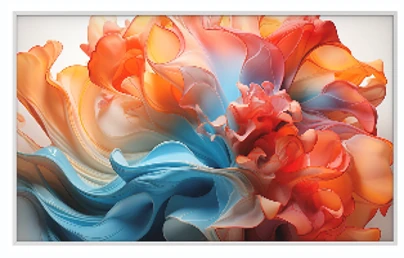
lumafy Screen
Our own screen, set up for you. Switch it on, enter the code, done.
Switch on and go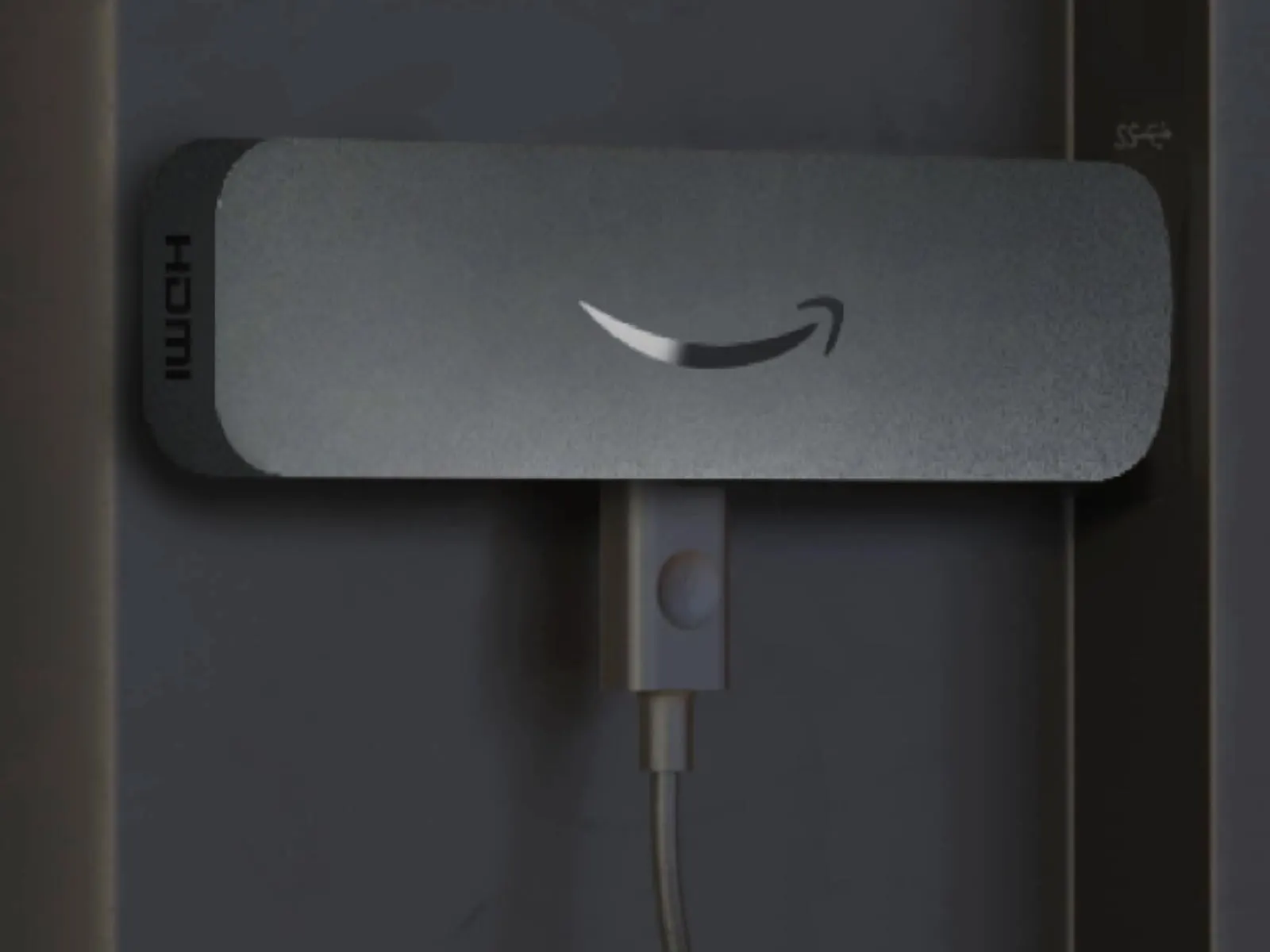
Amazon Signage Stick
Plug it into any screen with HDMI and install the lumafy App. Built to run all day.
Any screen with HDMI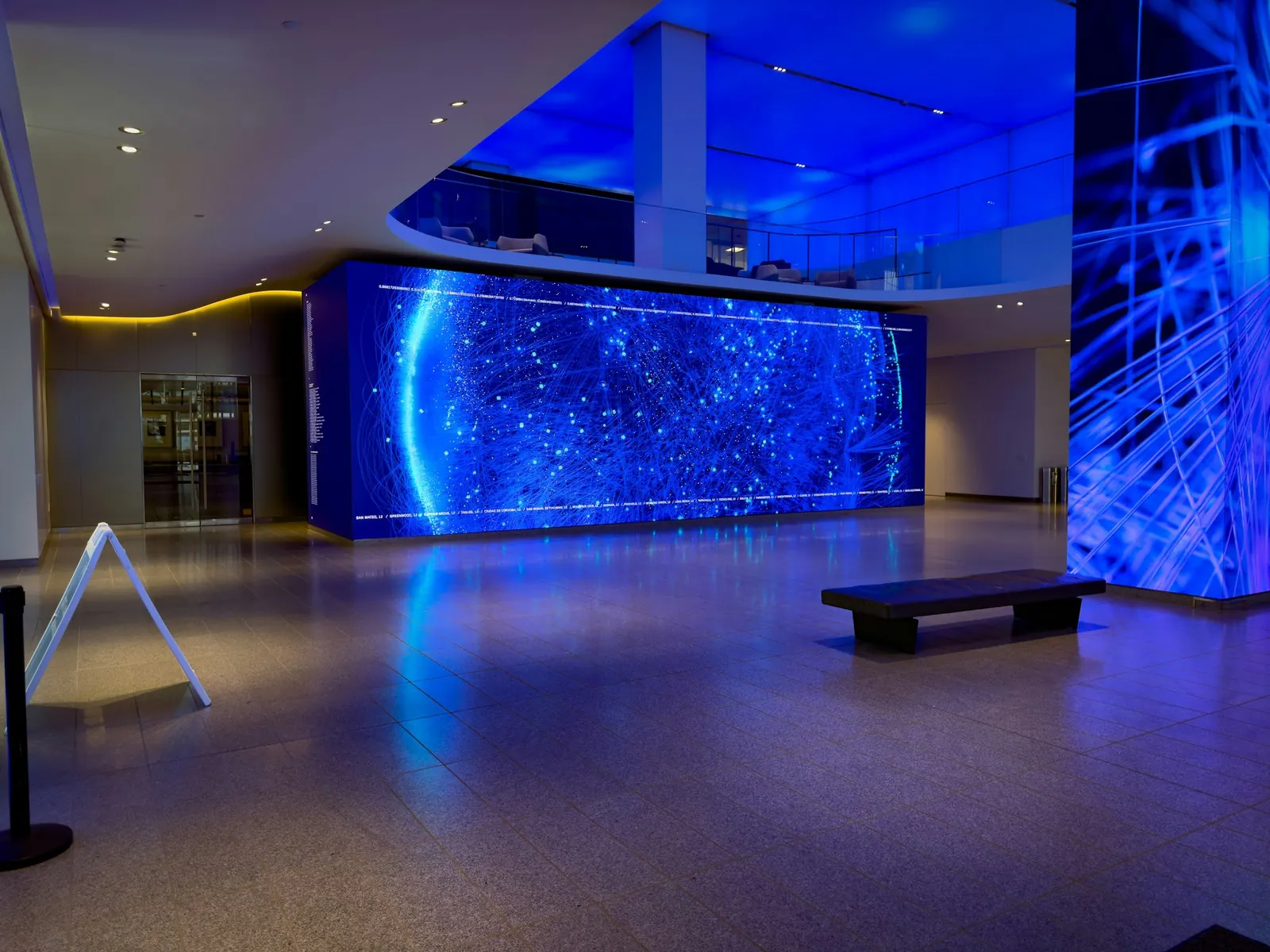
Something else
Android screen, kiosk or video wall: tell us what you have and we make it work.
On requestMade in Munich, hosted in Germany
Your data stays in Germany. When you call, you talk to us in Munich.
Pro templates included
For restaurants, retail, practices, hotels and reception areas. No extra cost. Only a custom one in your own look costs a one-off fee from €59.
clicks for any change
Tap, change, done. It shows at once on every screen, landscape and portrait.
days free
From a single screen. No payment details, no contract.
Send us two sentences. We build the template.
Over 100 templates are already in your account. Want one that looks exactly like you: Your colours, your logo, your font. The draft is in your account within 24 hours. If you like it, you approve it. After that you change everything yourself.
On the wall in three steps
- 1
Create your account
One minute, at the top of this page.
- 2
Open the lumafy App
On your screen. It shows a code that is valid for 15 minutes.
- 3
Enter the code
In your account. From now on your screen shows what you set.